Closed beta
Part of your phone.
Siri, the share sheet, widgets and Live Activities make your agent part of the phone, not just an app on it.
Not on the App Store yet. The app is for people who already have a Gnum agent.
Siri and the Action button
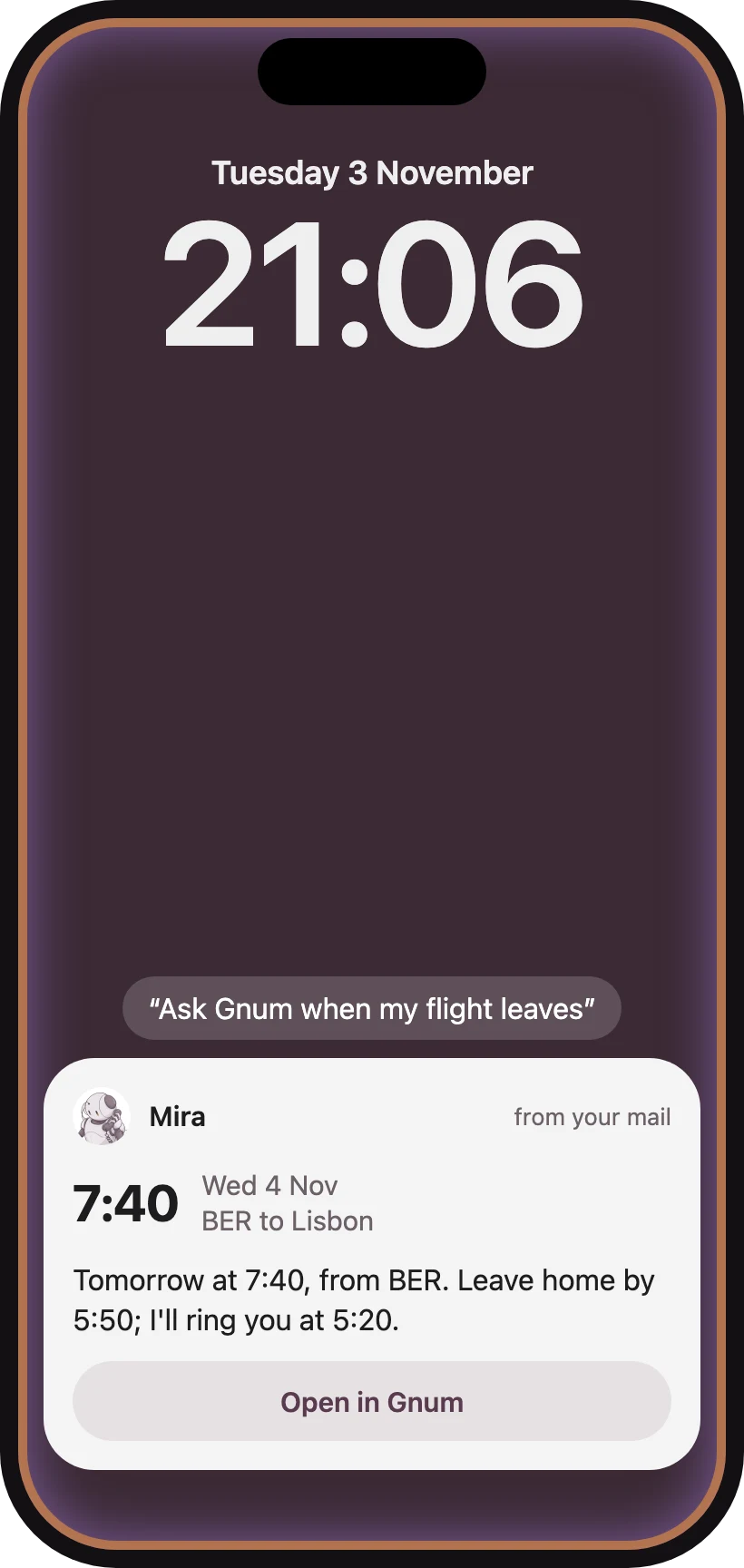
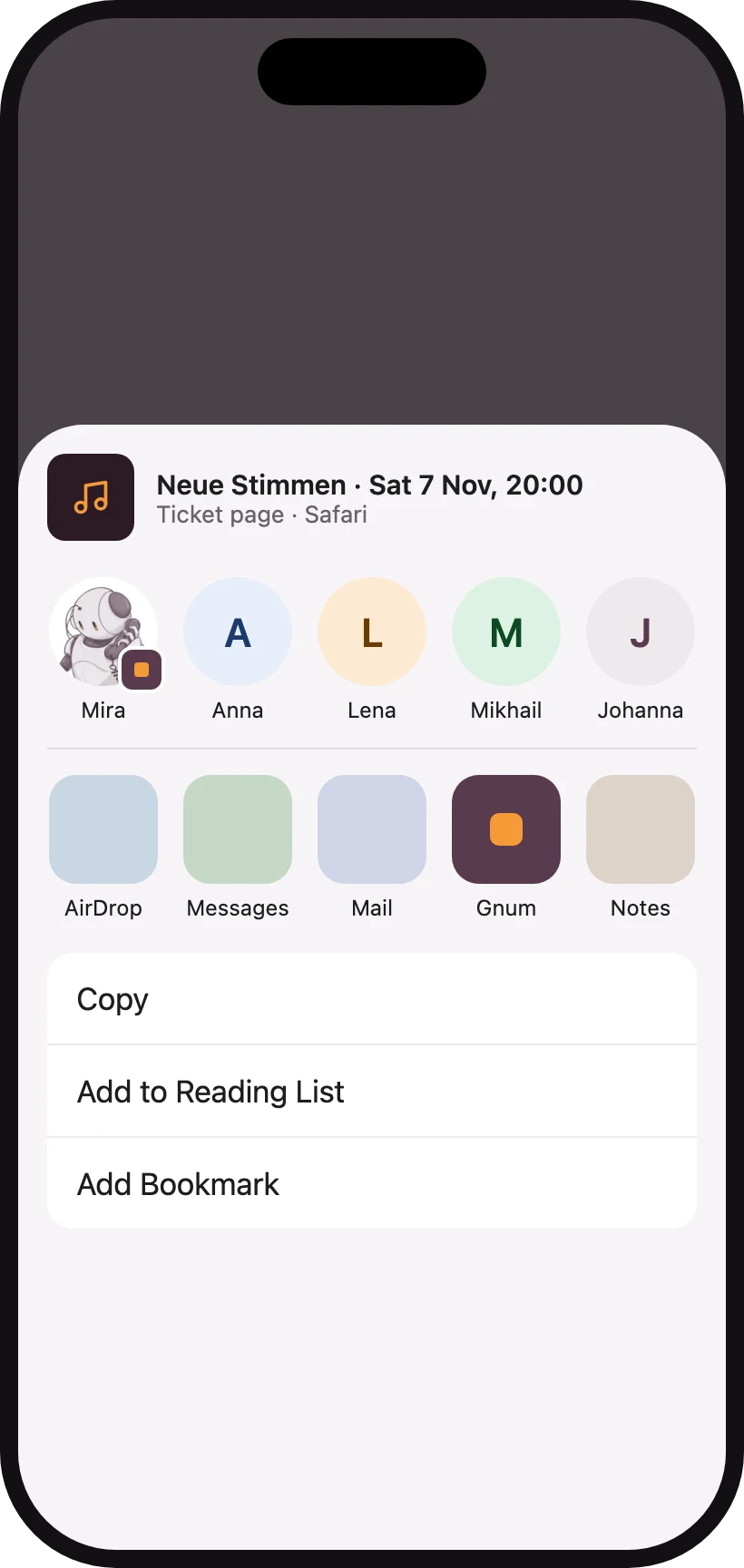
Say Ask Gnum or Call Gnum to Siri, or put either on the Action button. Share a link, words, a picture or a file from any app, and it reaches your agent as a message.
Long-press a message in the chat to have your agent remember it, remind you about it, or report a problem with it.
Widgets
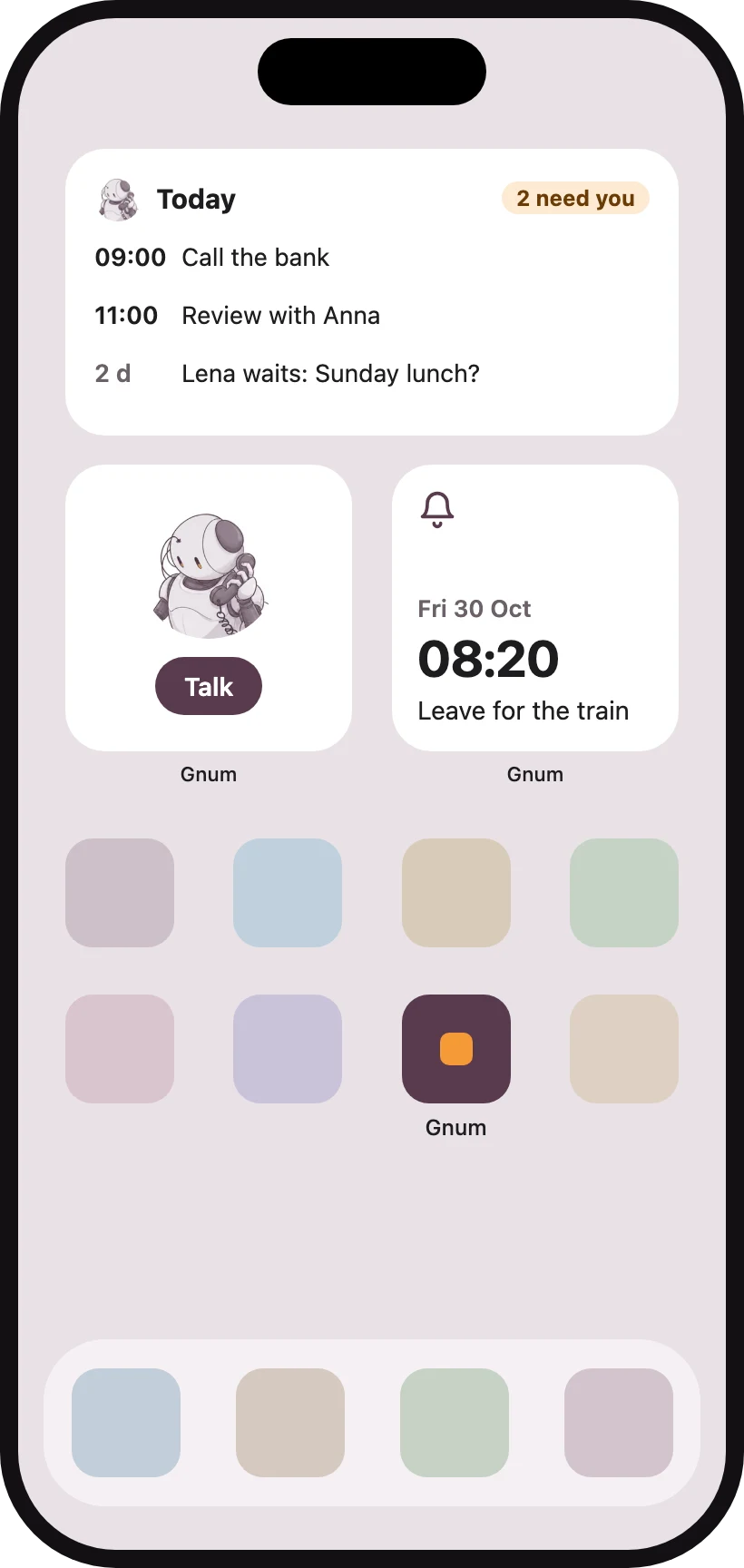
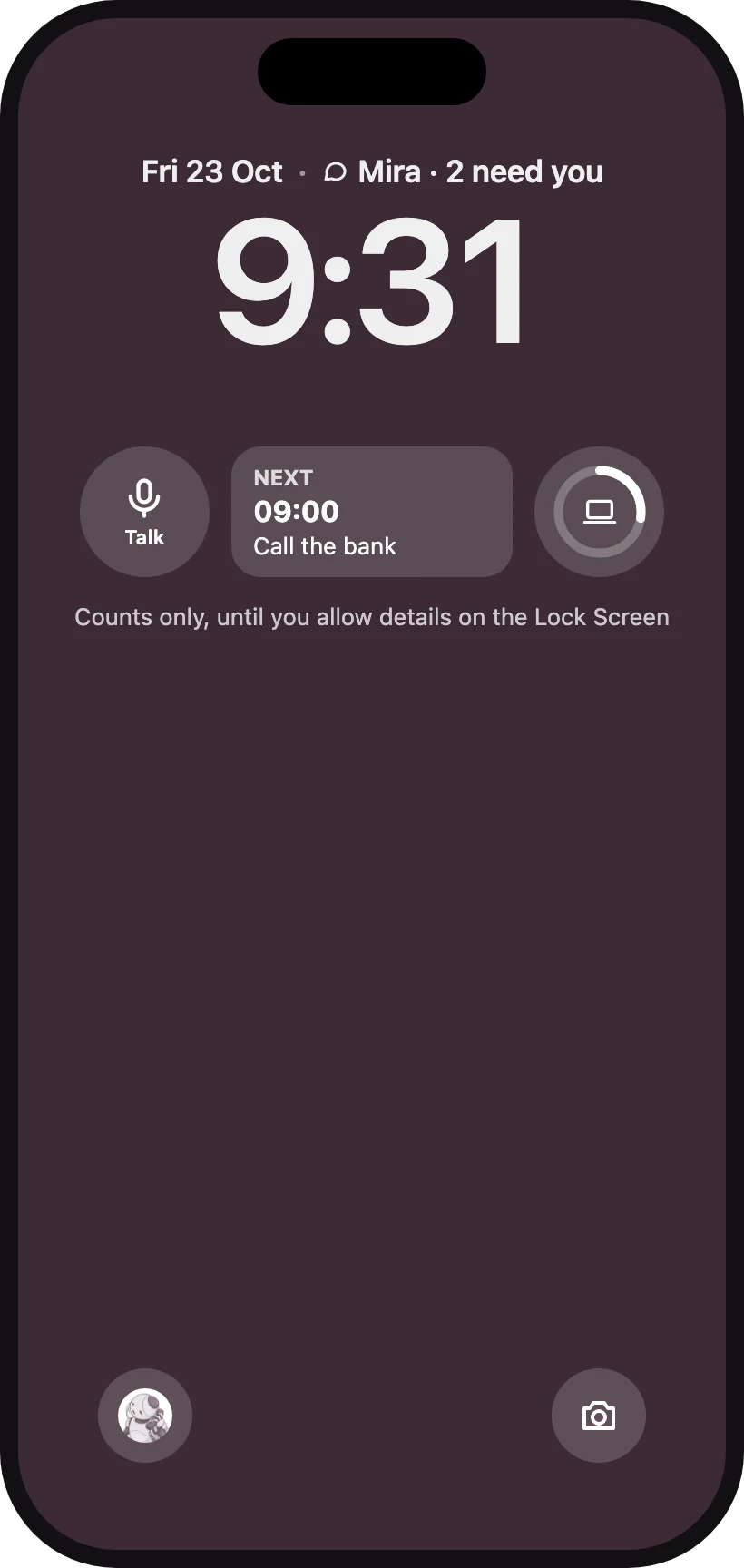
Your agent's picture can sit on the Home Screen or Lock Screen as a widget, with your day at a glance.
Notifications and reactions
When your agent writes first, with a reminder or a note, the message comes as a notification that shows it as the sender, with its picture. You choose under Settings where it writes to you first.
It can put an emoji on your message and answer too, and the app shows the emoji under your message.
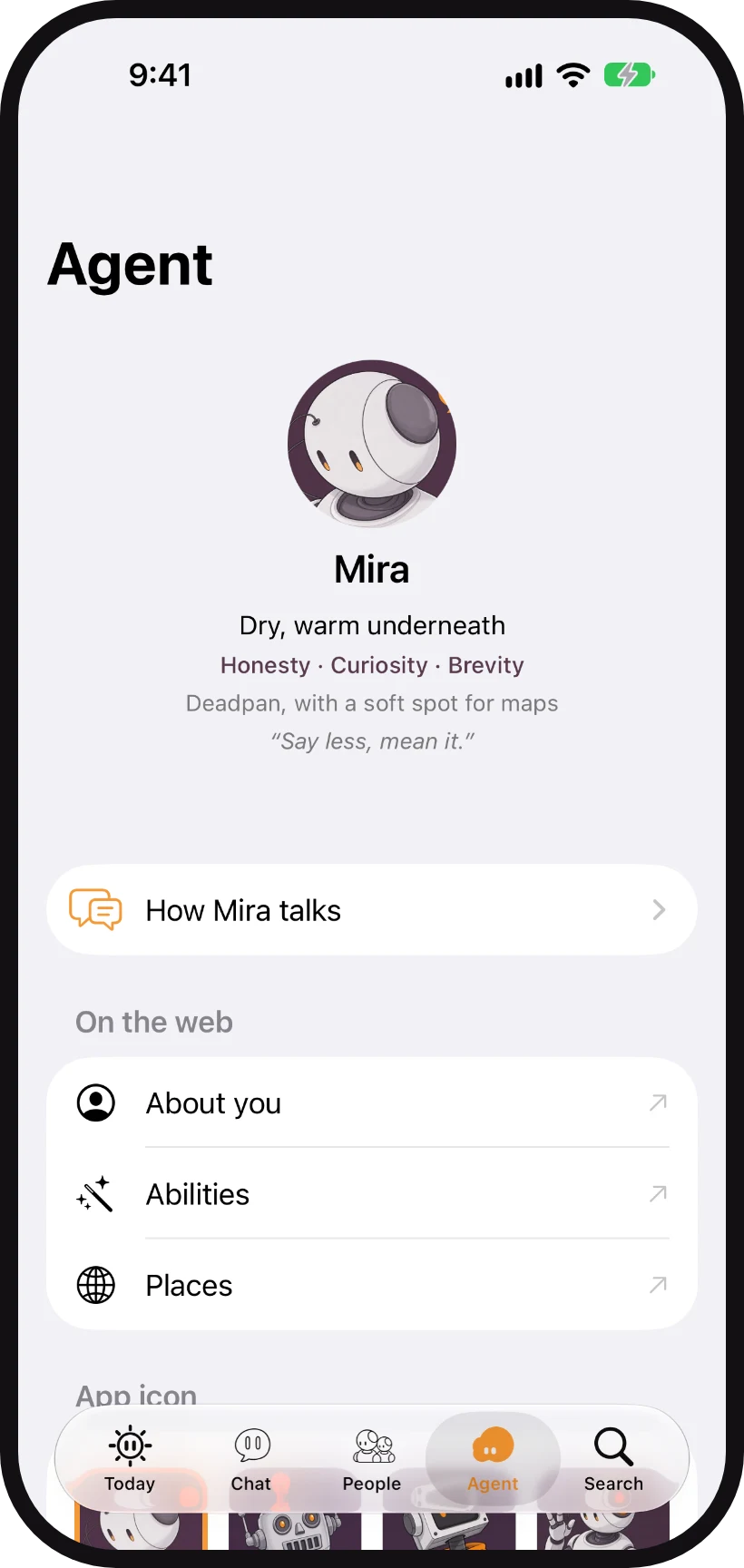
Make it yours
Change how your agent talks: warmth, playfulness, emoji and brevity.
Pick an icon
Choose the app icon from a set of drawings.
Delete my account
Under Your data, in the Agent tab.
Start with your agent
The iPhone app is a second home for the agent you set up at gnum.ai.
Create your agent